
LightningWX 1.5.31: Find Any Address, Flood Overlay Fixes, And A Tidier 3D Storm Scene
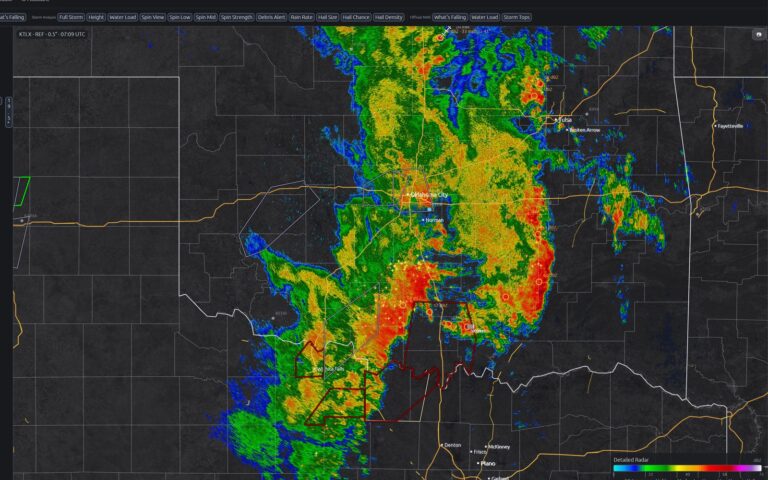
Three updates in a row, and every one of them came from something you told me. LightningWX 1.5.31 is out now, and so are the fixes from 1.5.29 and 1.5.30. Grab it from the download page, or let the app update itself.
Find Any Place Or Address
Type a street address and go straight there, in the Windows app and the web app. Type coordinates in any format you like: decimal, with N/S/E/W, or degrees, minutes and seconds. And yes, “Florida” and “Christmas, FL” work now. About 13,000 more small places were added, so your hometown is probably in there.
View On Map For Every Alert
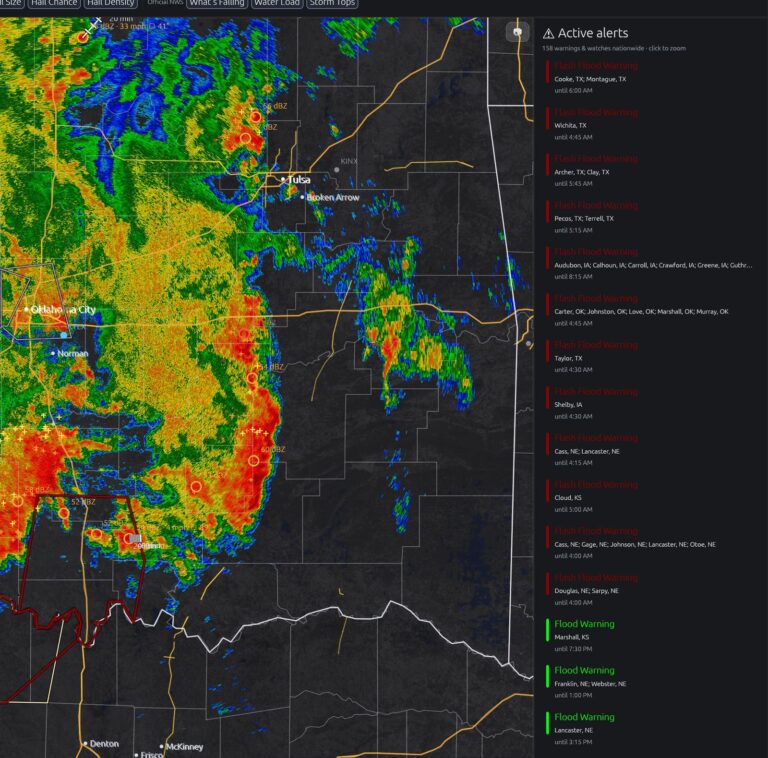
Every alert in your list has a View on Map button, and a double-click flies you to it, even when there is no radar site nearby. Your home radar site’s watches and warnings sort to the top, then everything else by severity.
3D Storm Scene Flood Overlay
Flash flood warning and no flood overlay? That was a bug, and it is fixed. The scene now retries, ignores only the stale NOAA pieces instead of throwing everything away, keeps the previous overlay while it refreshes, and checks again every 45 seconds. The controls are now compact tabs (Camera, Scene, Look, Playback, Export), and the text that covered the scene moved below it.
Fixes And Polish
- Space bar: it only plays and pauses the loop now. It no longer sends you back home on the national maps.
- Find Location: street addresses, every lat/long format, state names and small places.
- 3D Storm Scene: reliable flood loading and a much tidier control panel.
Stay weather-aware out there. Get LightningWX.
