
LightningWX 1.5.42: GOES Satellite In 3D, Drag And Drop Sidebar, And Ten Updates In One
It has been a busy week, and ten updates have piled up since my last post. LightningWX 1.5.42 is out now. Grab it from the download page, or let the app update itself. Here is everything that changed since 1.5.31.
GOES Satellite In The 3D Storm Scene
You asked for the satellite in 3D, so it is there. Pick GOES Satellite in the Map menu and live GeoColor clouds drape right over the terrain. Draw a box around a tropical system way out in the Atlantic, far from any radar, and the scene opens on GOES by itself, with room for boxes up to 1500 km across. Whatever forecast model you have turned on (HRRR, GFS and the rest) is painted onto the 3D map too, and it follows the model hour.
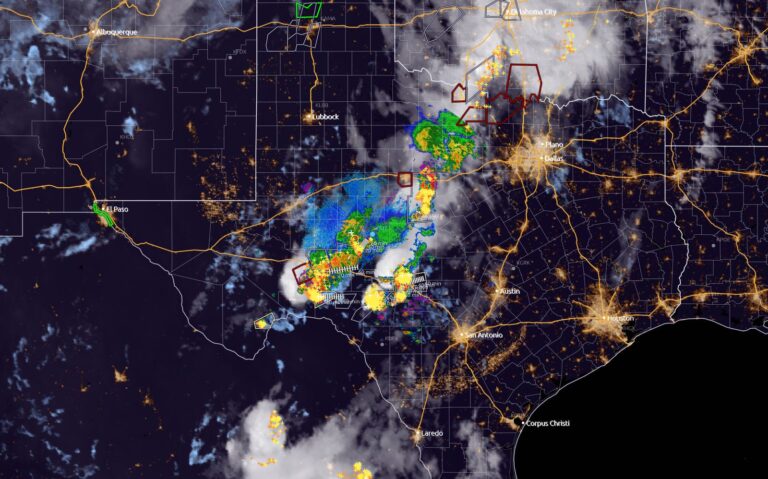
Put Your Tools Where You Want Them
Every sidebar section now drags and drops. Grab a title and drop it on the left or right edge to dock it, onto another section to reorder, or in the middle to float it in its own window. Your favorite tools can live wherever you like, and LightningWX remembers.
Forecast Models: Zoom To Your Region
A tester asked for a way to zoom in on central Texas and run HRRR or GFS. Now Zoom To jumps to any state, region, ocean or neighboring country, and Extra Smooth When Zoomed In keeps the contours soft and round. View on Map also works for warnings that have no radar site.
New Tools
- Fire Danger: Red Flag Warnings and Fire Weather Watches, outlined on the map.
- Winter Weather: snow, ice and freeze alerts, with stations at or below freezing and snow, sleet and freezing rain reports.
- OBS Map mode: press F10 for a clean map to stream or record, and Esc to leave.
- Active Alerts sidebar: it collapses now, and Surface Weather sits beside it.
- Street search: type a street and state, and a dropdown lists every match.
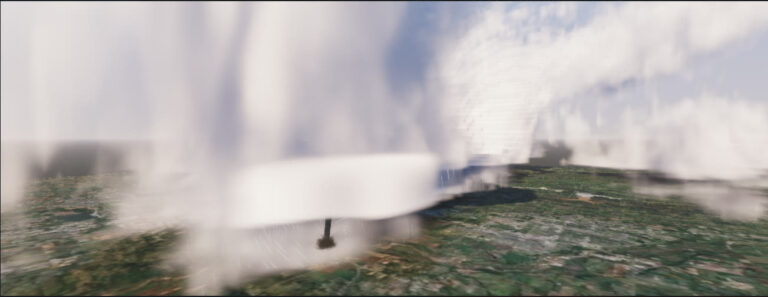
3D Scene And Map Polish
- The flood overlay no longer stops with a geometry-limit error.
- The compass, camera bar and on-map buttons are back, and walking around is easier.
- Find Location drops a pin on every result, and a right-click saves a marker that stays.
- Pins and markers show in Volume Explorer and the 3D Scene.
- Closing a tool window only hides it, and an Active Tools row brings it back.
- There is a Map Brightness slider, county names, and a see-through navigation pad.
Stay weather-aware out there. Get LightningWX.
